Workflow film · 0:43
Hover a file. Open it. Keep the conversation.
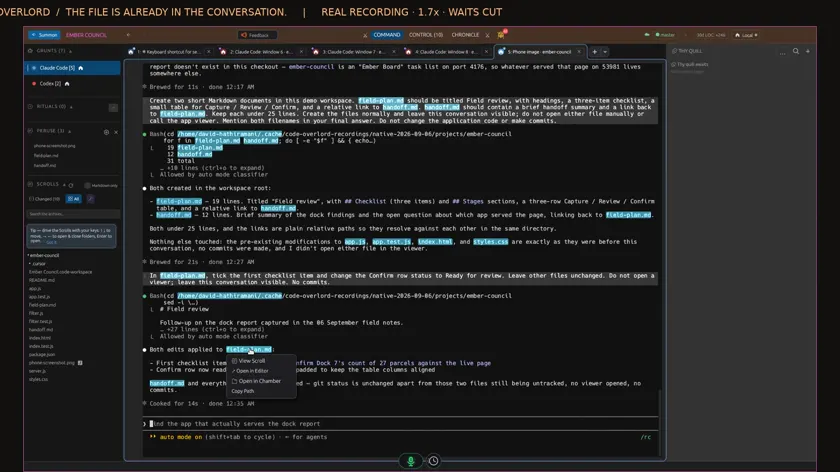
Real app recording · Original AI voice and presenter portrait · Captions included · Cuts and playback speed shown in the film. Narration uses Code Overlord’s theatrical English.
Read the transcript
Claude mentions a file in its reply. I hover the highlighted name and the file actions appear. Setup and waits are shortened.
Choose View Scroll. The actual plan opens inside Code Overlord, with the workspace, other files and agents still beside it.
A document can lead straight to another document. I click its local link and choose Open in Peruse to follow the handoff.
Back in the conversation, I search for the filename. The result shows its directory, so I can check which file I am using.
From the workspace file row, I drag the file into my agent’s input. Its full path appears, ready for my next instruction. Nothing is submitted yet.