Workflow film · 1:20
Answer from your phone. The work starts on your desk.
Real app recording · A calm narrator in plain English · English captions · Shortened stretches are marked in the film.
Read the transcript
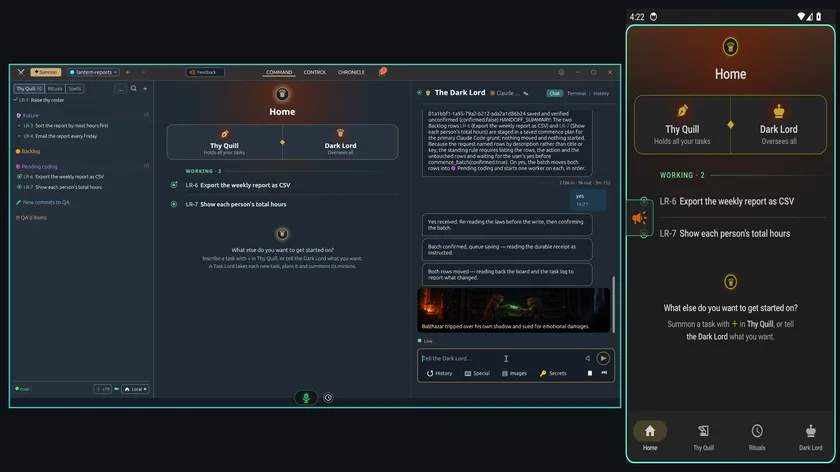
The Dark Lord has planned two tasks, and it waits for your yes. Your phone shows it too.
On the phone, open the Dark Lord and answer in one word: yes.
On your desk, the Dark Lord confirms the batch, and both tasks move into Pending coding.
A worker starts on each one. Home shows two tasks at work.
Your phone's Home shows the same two tasks working.
Now open one of those tasks on your phone. Its agent is already working.
Tap Images, then Choose from gallery.
Pick a picture. Here, a hand-drawn sketch of the report table, with a note to add a total for each person.
Add it, and it waits above your message, ready to send with your words.
Send it, and the agent on your desk receives the picture, with your words: make the totals look like this sketch.
A few minutes later it answers: it will rework the totals table to match the sketch.