Workflow film · 1:22
A screenshot on your phone. In your agent’s hands.
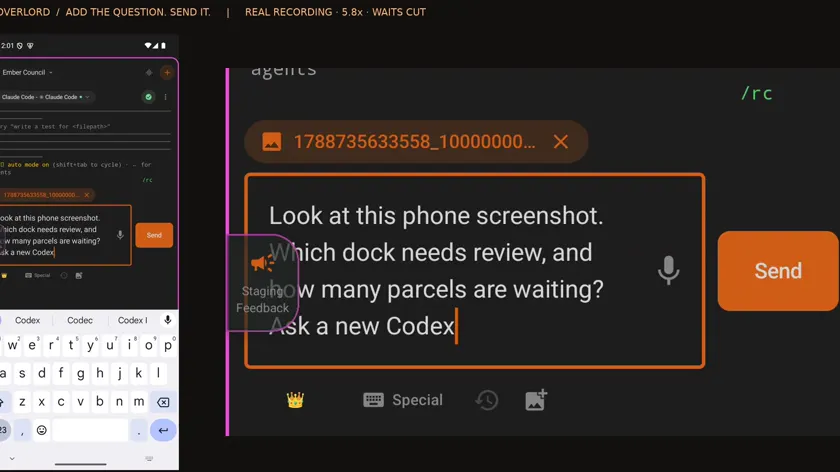
Real app recording · Original AI voice and presenter portrait · Captions included · Cuts and playback speed shown in the film. Narration uses Code Overlord’s theatrical English.
Read the transcript
This is a real screenshot saved on my phone. I will send it straight to Claude in Code Overlord. Setup, approvals and waits are shortened.
Inside the workspace on my phone, I open the selected agent’s message box, choose an image from the gallery and add the screenshot.
I add a question and press Send. The attachment is going into this agent’s conversation.
The image arrives with my question in the selected desktop session. The workspace and other agents stay in view.
Claude reads the image: Dock Seven needs review, with twenty-seven parcels waiting. That is the detail visible in my screenshot.
Claude creates a new Codex session. Its native hierarchy shows who called it. I can open either conversation here.
From the phone, I ask Codex to open the original image and confirm. Claude passes that instruction and the image’s location to its worker.
Here is Codex’s answer in its own session: the same dock, both counts and the browser address. The second agent reports matching details.
I also ask Claude to keep a copy of the screenshot in the workspace. That gives me a file to return to.
I hover the returned file and choose View Scroll. There is the original phone screenshot, open inside Code Overlord.