Workflow film · 1:25
Say it. Send it. Watch your agent act.
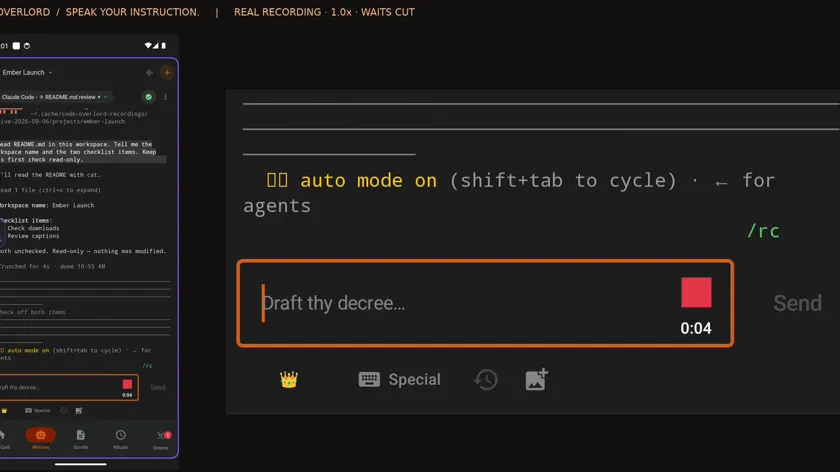
Real app recording · Original AI voice and presenter portrait · Captions included · Cuts and playback speed shown in the film. Narration uses Code Overlord’s theatrical English.
Read the transcript
Choose your agent on the phone. I am using Claude in Ember Launch. The phone is already paired; waits are cut.
In the shared notepad, add Launch checks with two tasks: check downloads and review captions.
The app turns speech into an editable draft. I review it and correct caption to captions before sending.
Here is the corrected instruction. Tap Send to deliver it to that agent on the desktop.
The instruction arrives in the same Claude conversation inside Code Overlord. The agent starts updating the shared notepad.
Watch Launch Checks appear with Check downloads and Review captions beneath it. The agent has made the actual change beside the conversation.
Open the notepad on the phone. Both tasks are already there.
Back at the desktop, focus the agent input and click the microphone.
In the shared notepad, mark check downloads complete. Leave review captions open.
Desktop dictation also gives you a transcript to review. Submit it to the same agent.
Check downloads is now completed. Review captions stays open. The result and the updated list are both visible inside Code Overlord.
The phone shows the same result. Expand completed tasks: Check downloads is done, and Review captions is still waiting.